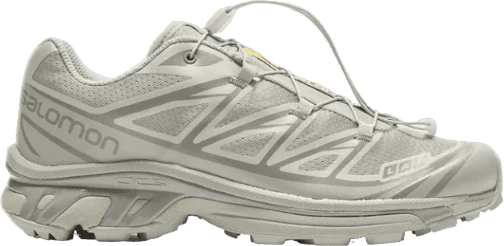
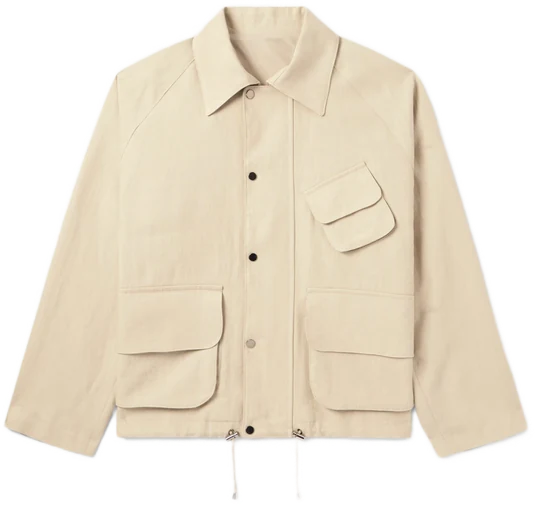
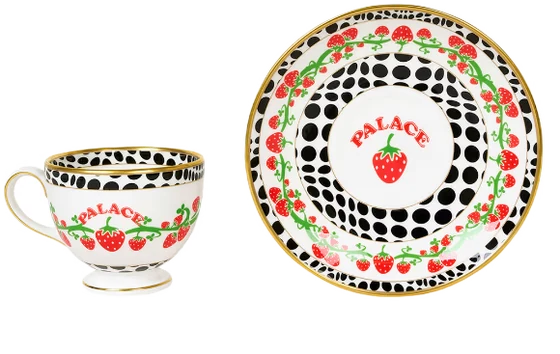
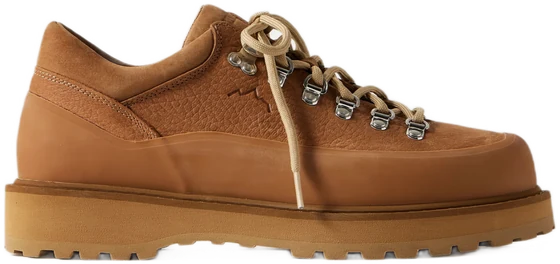
A vertical carousel that scrolls forever. Whatever's centered sits full size; the rest shrink, fade, and blur as they move off toward the edges. Flick it and it snaps one at a time, wrapping around with no seam.
I built it for my app, pecca, then pulled it out so it stands on its own. Hand it any list and a row view and it just works.
Designed & built by me ⟢
swift ✧ react ✧ web
snappyscroll me ↓
The web version, running live, scroll it.
Want one? Hit Copy prompt. It gives you the whole spec (the seamless loop, the depth-of-field, the ambient recolor), ready to paste into Cursor or Claude.
Code
import SwiftUI
import SnapWheel

// How you use it. Install the package first:
//   File > Add Package Dependencies… > github.com/guapkatana/snap-wheel
// Requires iOS 18+, Swift 6.
//
// One item sits centred at full size; its neighbours shrink, fade, and blur
// toward the edges, driven by scroll position. It wraps forever with no seam.
// You supply the view for each item, so it works with images, cards, anything.

struct ShoeWheel: View {
    let shoes: [Shoe]                    // any Identifiable type
    @State private var tint: Color = .black

    var body: some View {
        ZStack {
            tint.opacity(0.2).ignoresSafeArea()
                .animation(.smooth, value: tint)

            SnapWheel(items: shoes) { shoe in
                AsyncImage(url: shoe.imageURL) { $0.resizable().scaledToFit() }
                    placeholder: { Color.gray.opacity(0.1) }
            }
            .onCenteredItemChange { tint = $0?.tint ?? .black }   // ambient recolour
            .onSelect { open($0) }
        }
    }
}
Live on devicescroll me ↓
A wrap with no seam
SwiftUI has no way to scroll in a loop, so I faked one. The list gets copied a few times into one long strip and you start in the middle. Drift too close to an end and the scroll quietly jumps back to the middle copy. Every copy is identical, so you never catch it happening.
Depth from position, not state
The shrink, fade, and blur aren't animations. They're wired straight to how far each row is from the center, so they follow your finger instead of stepping between fixed states. The row keeps its real height the whole time. Only the pixels inside it move, which is what keeps the snapping honest.
Bleeds under the notch
The top and bottom items slide up under the status bar, the way the Music app does. The centered one still sits at the true middle of the screen, clear of the Dynamic Island. Getting both at once took two modifiers pulling opposite ways. Miss one and the item you're reading ends up tucked behind the notch.